
Audio Insight Tools for Producers: 2026 Guide
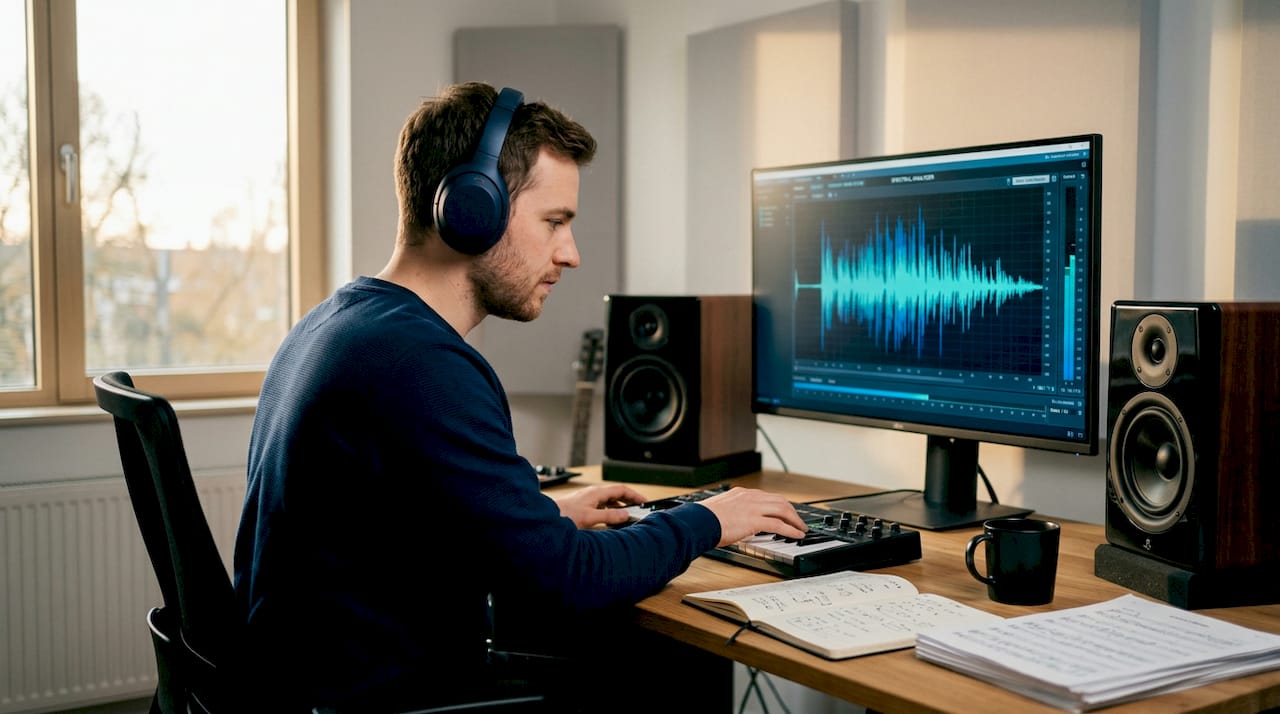
Picking the wrong audio insight tools for producers can quietly wreck a mix. You spend hours on a track, bounce it, and something still feels off. The frequency balance is muddy, the stereo image is too narrow, or the loudness doesn’t translate on streaming platforms. The problem isn’t always your ears. Sometimes it’s the absence of the right audio analysis software giving you objective data to back up what you’re hearing. This guide breaks down exactly what to look for, which tools are worth your time in 2026, and how to match them to your actual workflow.
Table of Contents
- Key takeaways
- 1. What audio insight tools for producers actually do
- 2. Key criteria when choosing audio insight tools
- 3. Blue Cat’s FreqAnalyst and HoRNet Freqs
- 4. iZotope Insight 2
- 5. LALAL.AI offline stem separation plugin
- 6. Browser-based free analyzers
- 7. FreeEQ8 and the open-source option
- 8. Native AI features in Ableton, Logic, and FL Studio
- 9. Comparison of major audio insight tools
- 10. Recommendations by producer workflow
- 11. Emerging trends shaping audio analysis in 2026
- My honest take on using these tools
- Try Mixanalytic’s AI-powered mix analysis
- FAQ
Key takeaways
| Point | Details |
|---|---|
| Match tools to your workflow | Full band recordings and in-the-box electronic production require different analyzer setups. |
| Prioritize local processing | Privacy-focused, offline tools protect unreleased material and eliminate cloud latency. |
| Combine multiple tools | No single analyzer covers frequency, loudness, stereo imaging, and stem separation equally well. |
| AI complements, not replaces | Use AI-driven analysis as a starting point for rough checks, not as a substitute for trained ears. |
| Free options are genuinely useful | Browser-based and open-source analyzers deliver real value without a premium price tag. |
1. What audio insight tools for producers actually do
Before comparing products, it helps to understand what this category of software actually covers. The industry term is audio analysis software, and it spans a broad range of tools: spectrum analyzers, loudness meters, stereo field visualizers, dynamic range monitors, and AI-powered stem separators. Audio insight tools sit at the intersection of all these functions, giving you objective data about your mix that your ears alone can miss.
The core value is objectivity. Your hearing adapts. After two hours in a session, your ears are fatigued and your perception of bass, presence, and width shifts. A good analyzer doesn’t get tired. It shows you exactly what’s happening in the frequency spectrum, how your transients are behaving, and whether your stereo field is balanced or collapsed.
2. Key criteria when choosing audio insight tools
Not every tool fits every workflow. Here’s what actually matters when you’re evaluating options:
- DAW integration. Does the plugin load inside your session as a real-time insert, or do you have to export and analyze separately? Real-time monitoring during mixing is far more useful than offline batch analysis.
- Metric coverage. Look for tools that cover frequency balance, dynamic range, loudness (LUFS), and stereo imaging at minimum. Stem separation is a bonus that’s becoming more common.
- Real-time vs. offline analysis. Real-time tools catch problems as you mix. Offline tools are better for final QC checks before mastering.
- AI features. Intelligent metering, genre-aware loudness targets, and AI stem separation are no longer niche. They’re increasingly standard in 2026.
- Privacy and processing location. Local processing avoids uploading to external servers, which is non-negotiable when you’re working with unreleased client material.
- Budget. Browser-based analyzers are typically free, while professional desktop-grade software can run up to $500 or more.
Pro Tip: If you work with clients on unreleased music, make local processing a hard requirement, not a preference. The risk of uploading a track to a cloud service before release is simply not worth it.
3. Blue Cat’s FreqAnalyst and HoRNet Freqs
These two plugins represent the practical floor for real-time DAW integration. Blue Cat’s FreqAnalyst is a lightweight spectrum analyzer that runs inside any major DAW and gives you a clean, readable frequency curve with minimal CPU load. It’s not flashy, but it’s accurate and reliable for checking tonal balance while you’re working.
HoRNet Freqs goes a step further by adding RMS and peak metering alongside spectral analysis. It’s priced affordably and works well as a secondary meter on your master bus. Both tools are solid entry points if you want real-time feedback without spending much.
4. iZotope Insight 2
iZotope Insight 2 is one of the most thorough metering suites available for professional producers. It covers loudness history, true peak, short-term and integrated LUFS, stereo field, spectrogram, and more, all in a single plugin. The intelligibility meter is particularly useful for producers working on music with vocals or dialogue.
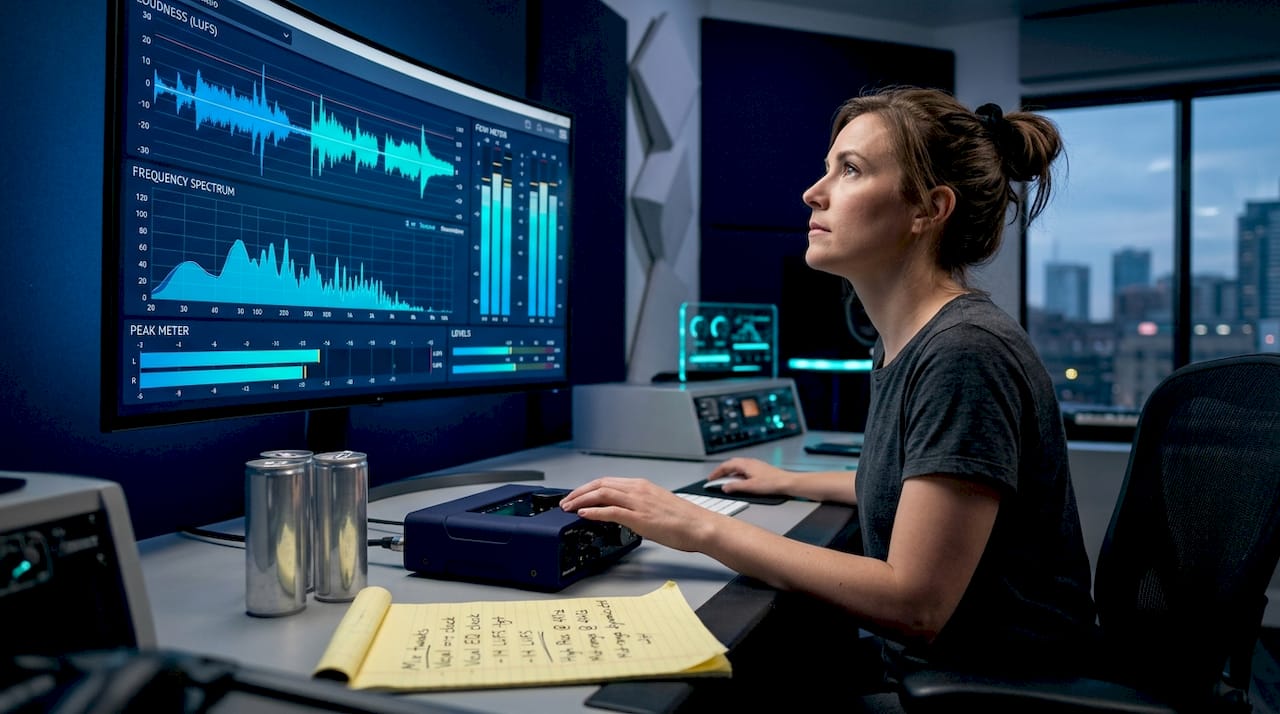
The learning curve is real. Insight 2 surfaces a lot of data at once, and it takes time to learn which meters deserve your attention at which stage of the mix. But once you know the layout, it becomes a genuinely powerful tool for audio production insights that go well beyond basic metering.
5. LALAL.AI offline stem separation plugin
AI stem separation used to mean uploading your track to a web service and waiting. That model created real problems for producers working with sensitive or unreleased material. AI stem separation now runs locally inside DAWs, with professional stem splitters priced between $45 and $78.
LALAL.AI’s offline plugin processes stems inline within your session, which means no interruptions and no cloud uploads. Workflow efficiency gains from inline local processing are significant, especially when you’re doing multiple rounds of revision. For producers who need to isolate drums, bass, or vocals for remixing or reference checking, this is one of the best tools for music producers in 2026.
6. Browser-based free analyzers
Not every producer needs a full plugin suite. If you’re an independent artist or bedroom producer who wants quick feedback on frequency balance and loudness before uploading to Spotify or Apple Music, browser-based tools are a legitimate option. You drag and drop a file, and within seconds you get a visual breakdown of your mix.
The tradeoff is depth. These tools give you a snapshot, not a real-time picture. They’re best used as a final sanity check rather than an ongoing mixing companion. For producers on a tight budget, they’re a practical starting point before investing in premium audio analysis software.
Pro Tip: Use a browser-based analyzer on your reference tracks alongside your own mixes. The visual comparison often reveals frequency gaps or loudness mismatches faster than A/B listening alone.
7. FreeEQ8 and the open-source option
Open-source plugins like FreeEQ8 are gaining traction because they offer comparable functionality to commercial smart plugins at zero cost. FreeEQ8 is a community-developed parametric EQ with built-in spectrum analysis, and it’s actively maintained with regular updates.
The open-source plugin ecosystem is lowering barriers for producers who can’t justify premium pricing. The tradeoff is that support is community-based rather than dedicated, and the UI can be rougher than commercial alternatives. But for producers who want to experiment without financial commitment, open-source tools are worth exploring.
8. Native AI features in Ableton, Logic, and FL Studio
DAWs like Logic, Ableton, and FL Studio have integrated AI features natively to stay competitive. Logic’s Session Players, Ableton’s AI-assisted arrangement tools, and FL Studio’s native stem separation capabilities mean that producers already have some level of AI-powered analysis built into their existing workflow.
These native features are convenient but often shallow compared to dedicated analysis plugins. They’re good for quick checks but don’t replace a purpose-built metering suite. Think of them as a baseline that you build on top of, not a complete solution.
9. Comparison of major audio insight tools
| Tool | Pricing | DAW integration | Key features | Processing |
|---|---|---|---|---|
| Blue Cat’s FreqAnalyst | Free / low cost | All major DAWs | Spectrum analysis, real-time | Local |
| HoRNet Freqs | ~$20 | All major DAWs | Spectrum, RMS, peak metering | Local |
| iZotope Insight 2 | ~$199 | All major DAWs | Loudness, stereo, spectrogram | Local |
| LALAL.AI plugin | $45 to $78 | Select DAWs | AI stem separation | Local (offline) |
| FreeEQ8 | Free | Most DAWs | EQ with spectrum analysis | Local |
| Browser-based tools | Free | None (standalone) | Frequency, loudness snapshot | Cloud |
| Mixanalytic | Free to $25/mo | Browser-based | 17 AI modules, spatial audio | Cloud / local |
10. Recommendations by producer workflow
Selecting tools based on workflow needs is one of the most overlooked aspects of building a productive studio setup. Here’s how to think about it:
- Full band recordings. You need robust stem separation and multi-track analysis. LALAL.AI’s offline plugin combined with iZotope Insight 2 covers most scenarios here.
- In-the-box electronic production. Real-time spectrum and loudness metering matter most. Blue Cat’s FreqAnalyst on the master bus plus a dedicated LUFS meter covers the basics well.
- Emerging producers on a budget. Start with FreeEQ8 and a browser-based analyzer. Add a paid tool only when you’ve outgrown what free options offer.
- Client work with unreleased material. Local processing is non-negotiable. Avoid any tool that requires cloud uploads until the track is released.
- Spatial audio and immersive mixing. You need tools that measure width, depth, and height. Standard stereo analyzers won’t cut it. Check out dedicated spatial audio guidance to understand what metrics actually matter in immersive formats.
Many experienced producers combine multiple analysis tools to cover frequency, loudness, spatialization, and stem separation together. No single plugin does everything well.
11. Emerging trends shaping audio analysis in 2026
The next wave of sound analytics tools is moving in a clear direction. AI is getting closer to the creative process, not just the technical one. Splice’s partnership with ElevenLabs signals a broader shift toward creator-first AI that respects artistic control and compensation, rather than tools that simply automate decisions without context.
Local processing is becoming the default expectation, not a premium feature. Privacy concerns around unreleased music are pushing developers to build offline-first tools. Open-source development is accelerating, with community plugins closing the gap on commercial options faster than most producers realize.
“The next wave of AI in music emphasizes creator empowerment, ethical use, and fair compensation, shifting industry dynamics.” — Splice’s Vision for Creator-First AI
Human-driven musical decisions remain core to great music. AI tools are accelerating the technical side, but the creative judgment still belongs to the producer.
My honest take on using these tools
I’ve watched producers fall into two traps with audio analysis software. The first is ignoring it entirely, trusting their ears even after hours of ear fatigue, and wondering why their mixes don’t translate. The second is over-relying on it, chasing a “perfect” spectrum curve and ending up with a technically correct mix that feels lifeless.
The truth is somewhere in the middle. I’ve found that AI analysis tools work best as a starting point for rough checks, not as final decision-makers. When I look at a spectrum analyzer, I’m not trying to match a textbook curve. I’m looking for anomalies that I might have stopped noticing because I’ve been listening for too long.
The other thing I’d push back on is the idea that you need to spend a lot to get useful feedback. Some of the most productive sessions I’ve had started with a free browser-based tool that showed me a glaring low-mid buildup I’d completely missed. Expensive tools give you more data. They don’t automatically give you better judgment.
Start with what’s free. Learn what the data is actually telling you. Then invest in tools that fit the gaps in your specific workflow, not the gaps in someone else’s.
— Uygar
Try Mixanalytic’s AI-powered mix analysis
If you want professional-grade audio production insights without the professional price tag, Mixanalytic is worth a serious look. The platform offers a free mix analyzer with 17 AI-powered modules covering frequency balance, dynamic range, stereo field, genre detection, and mood analysis. You upload a track and get a detailed breakdown in minutes.
For producers who want more, flexible pricing plans start with three free analyses per month, token packs from $5, and a Supporter plan at $25 per month. There’s no steep learning curve and no need for a dedicated plugin. Whether you’re checking a rough mix or doing a final pre-master review, Mixanalytic gives you the kind of objective feedback that used to require either expensive software or an outside set of ears.
FAQ
What are audio insight tools for producers?
Audio insight tools are audio analysis software applications that give producers objective data about their mixes, covering frequency balance, loudness, stereo imaging, and dynamic range. They help identify problems that ear fatigue can cause you to miss.
Should I use real-time or offline audio analysis?
Real-time analysis is better for active mixing because it shows changes as you work. Offline analysis is more practical for final QC checks before sending a mix to mastering.
Are free audio analyzers good enough for professional work?
Free tools like browser-based analyzers and open-source plugins are genuinely useful for frequency and loudness checks. They lack the depth of premium suites but are a solid starting point, especially for producers on a budget.
Why does local processing matter for audio analysis?
Local processing keeps your audio files on your own machine, which protects unreleased or client material from being uploaded to external servers. It also eliminates cloud latency, making it faster for real-time workflows.
How many audio analysis tools do I actually need?
Most producers benefit from combining two to three tools: a real-time spectrum analyzer, a loudness meter, and a stereo field visualizer. Adding stem separation and AI-based analysis covers nearly every mixing scenario you’ll encounter.